
Sharing from PowerPoint
1. Open a file in PowerPoint and select the Slide Show tab from the top bar.
In the desktop app, it looks like this:


In PowerPoint for the Web, it looks like this:

2. Select Play from Start, Play from Beginning, or Play from Current Slide to open the fullscreen presentation view.
3. Use Command+Tab (macOS) or Alt+Tab (Windows) to bring Evercast Presenter to the foreground.
4. In Presenter, click Present your screen and select the full-screen slideshow window to share:
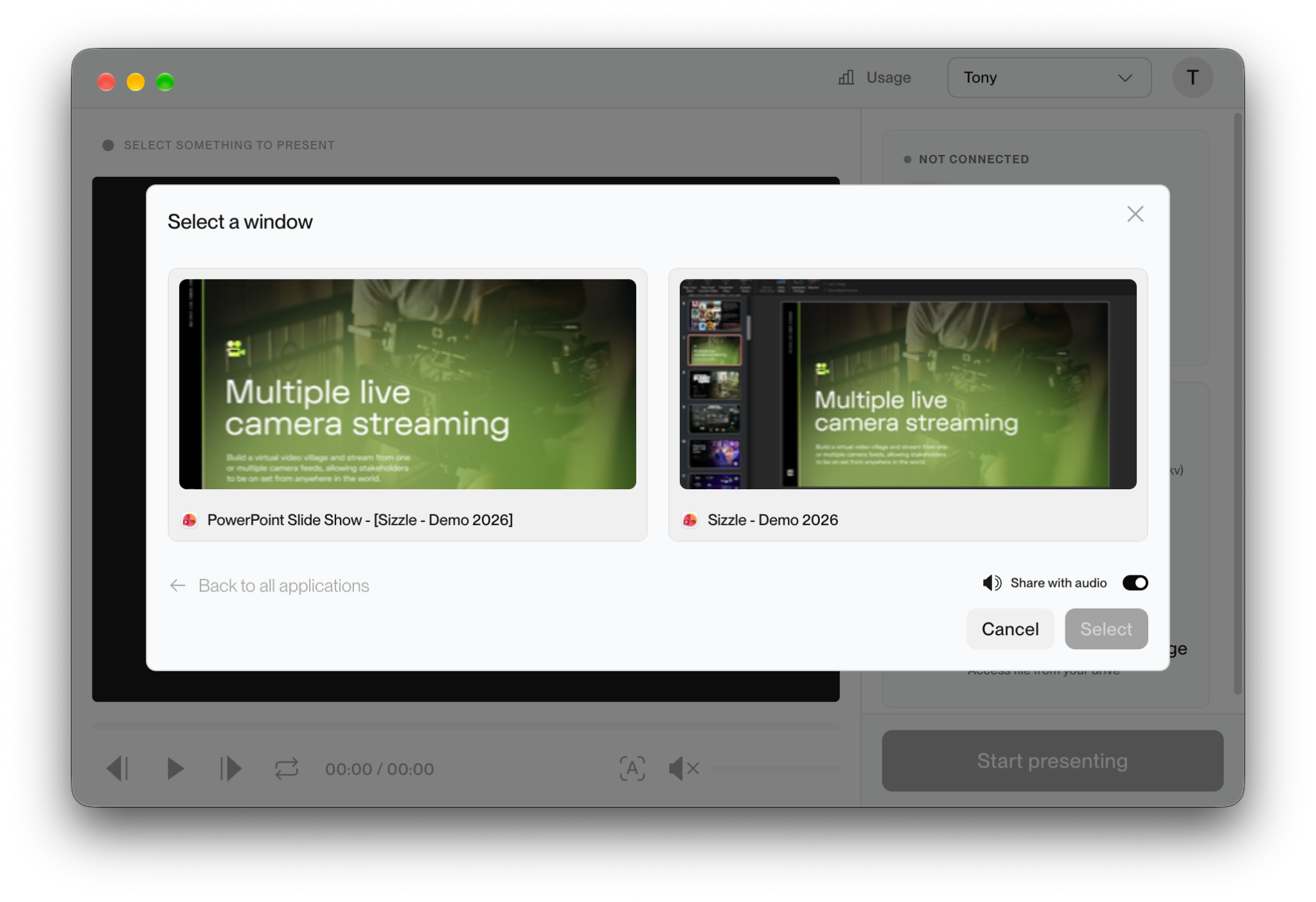
5. Click Start presenting and return to your Zoom, Teams, or Meet session to begin presenting.